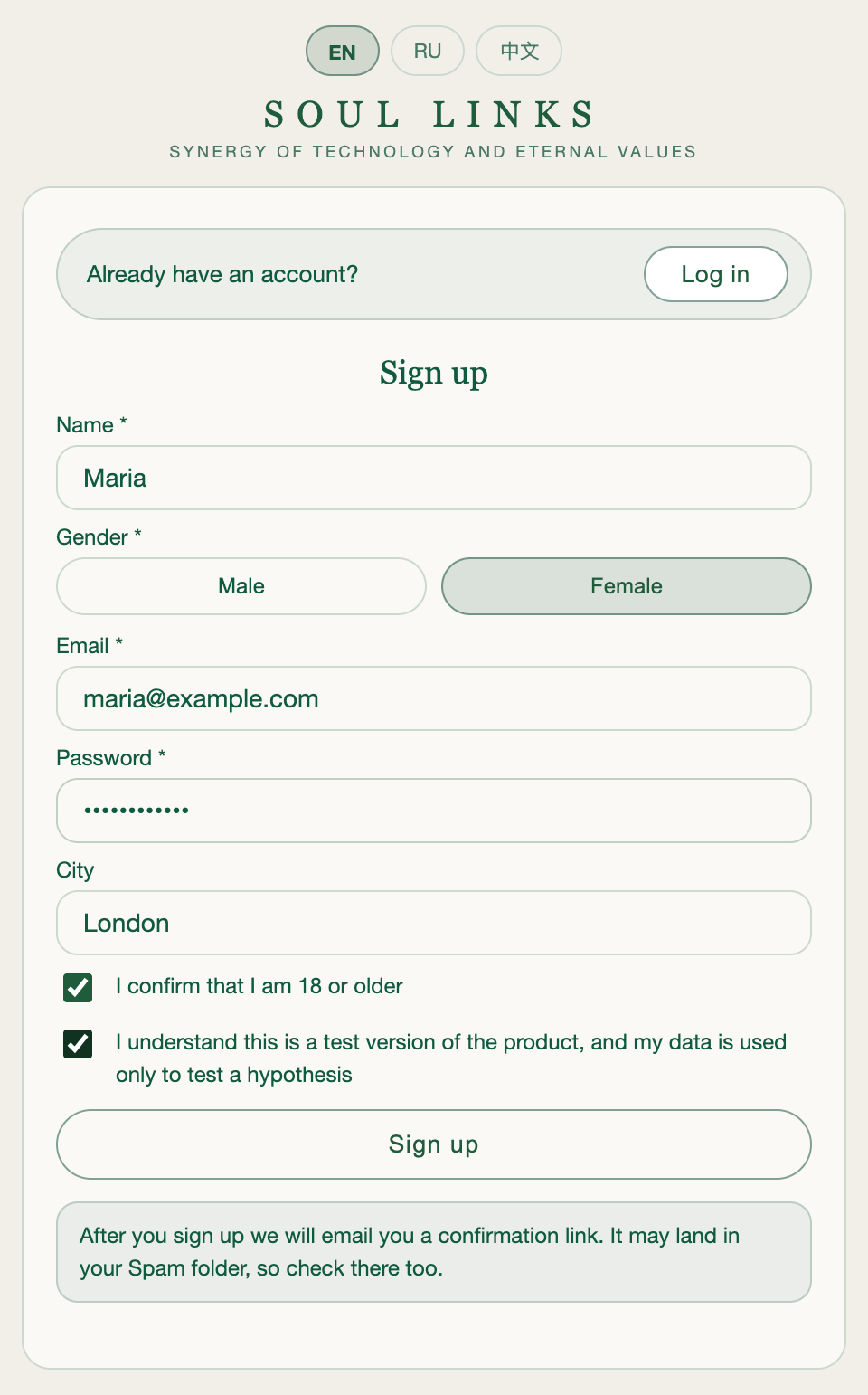
Registration
Sign up on the platform and confirm your email address. The email may land in your Spam folder, so check there too.
If you already have an account, press Log in at the top of the form. Once you've confirmed it, you can move on to creating your first connection. You can switch the language at the top of the page (EN / RU / 中文).
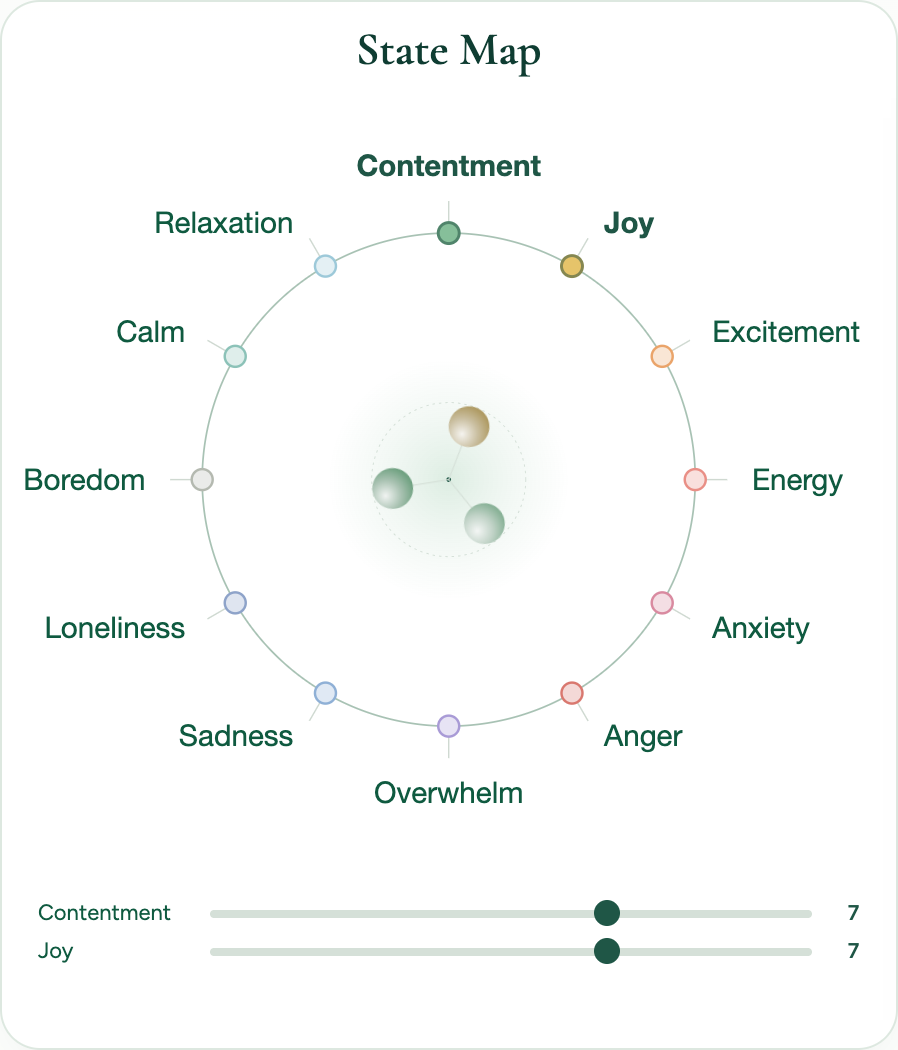
State Map
Define your current state.
Choose one to three states that accurately match what you feel right now. After you pick a state, a slider appears below the map to set its strength.
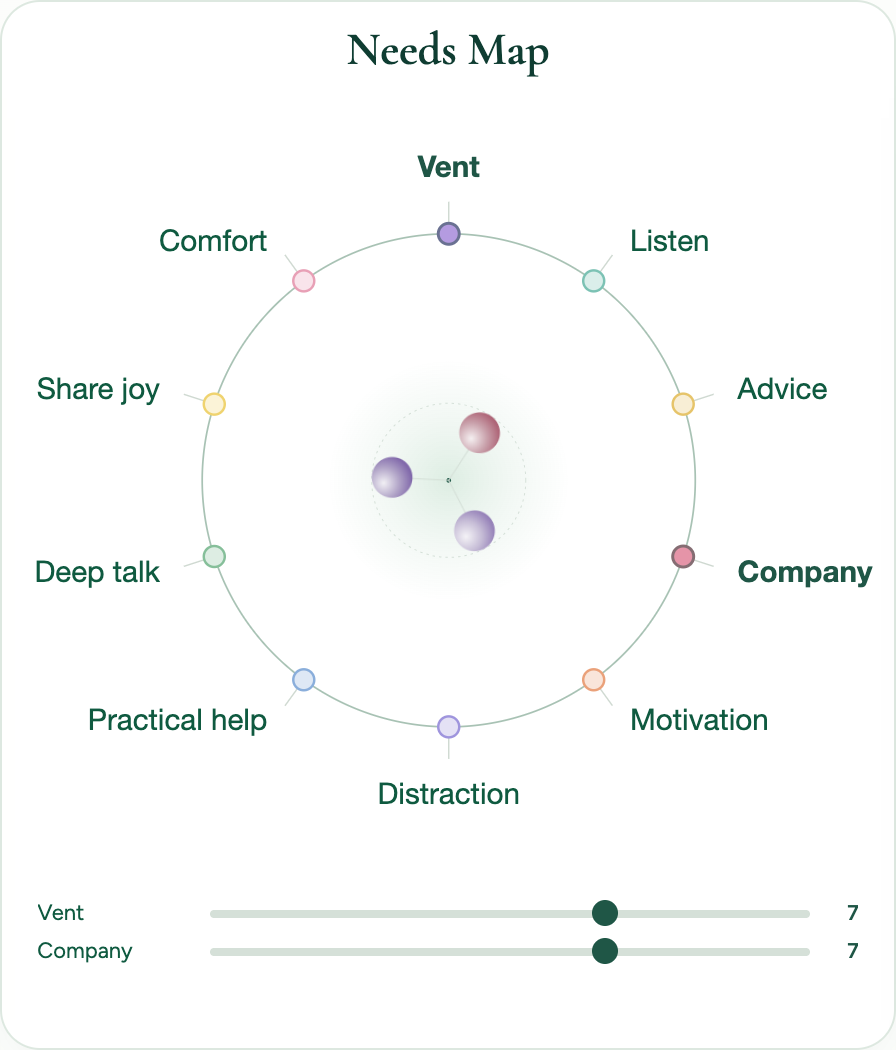
Needs Map
Define what matters to you right now in contact with another person.
Choose one to three needs that match your current request for connection.
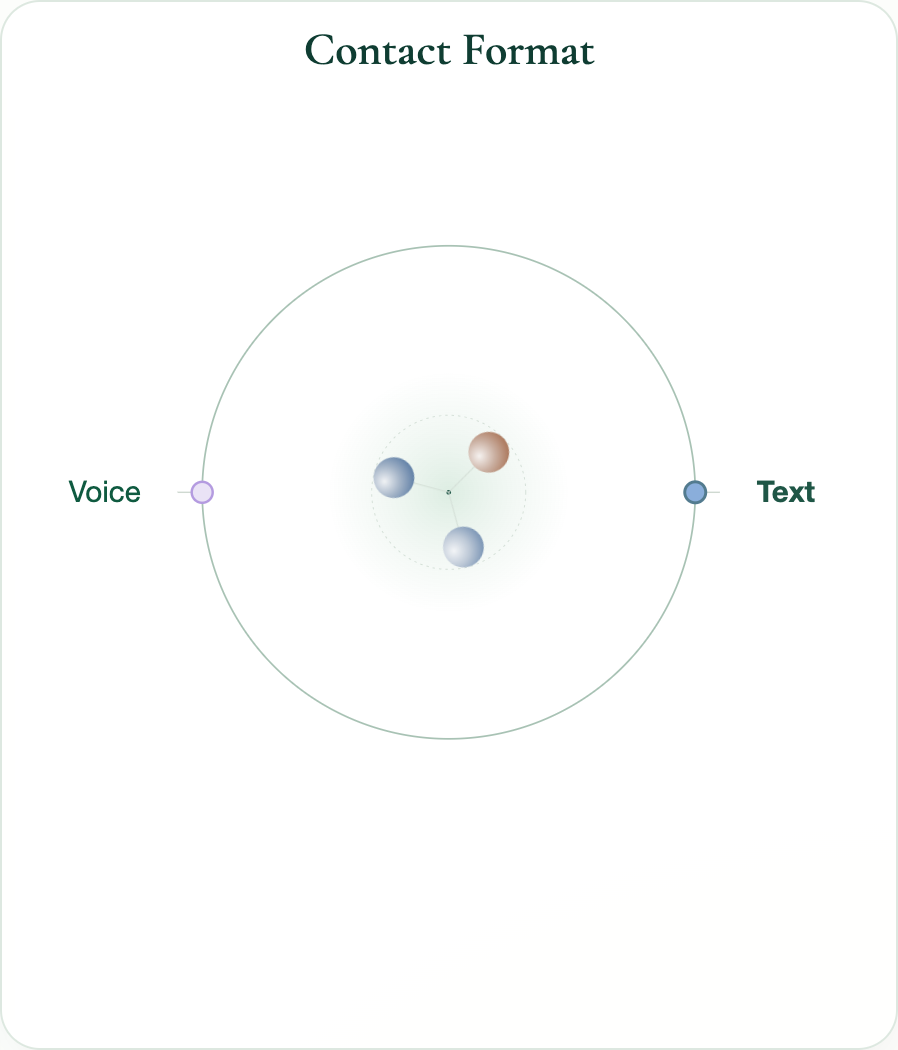
Contact Format
Choose the formats in which you feel comfortable starting to interact.
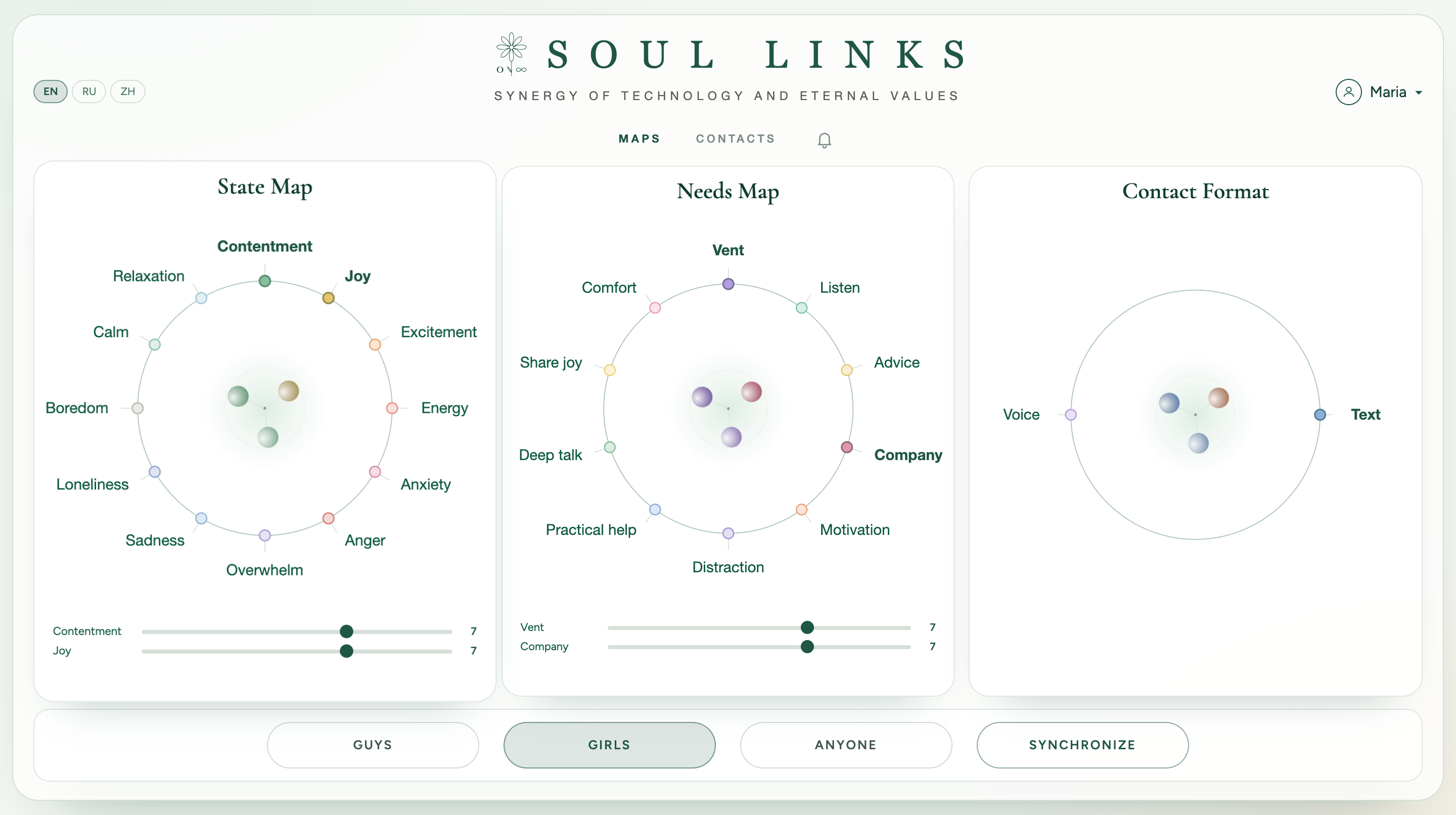
Who to Sync With
Once your maps are filled in, choose below who you'd like to sync with: Guys, Girls or Anyone.
Then press Synchronize — Soul Links starts the search.
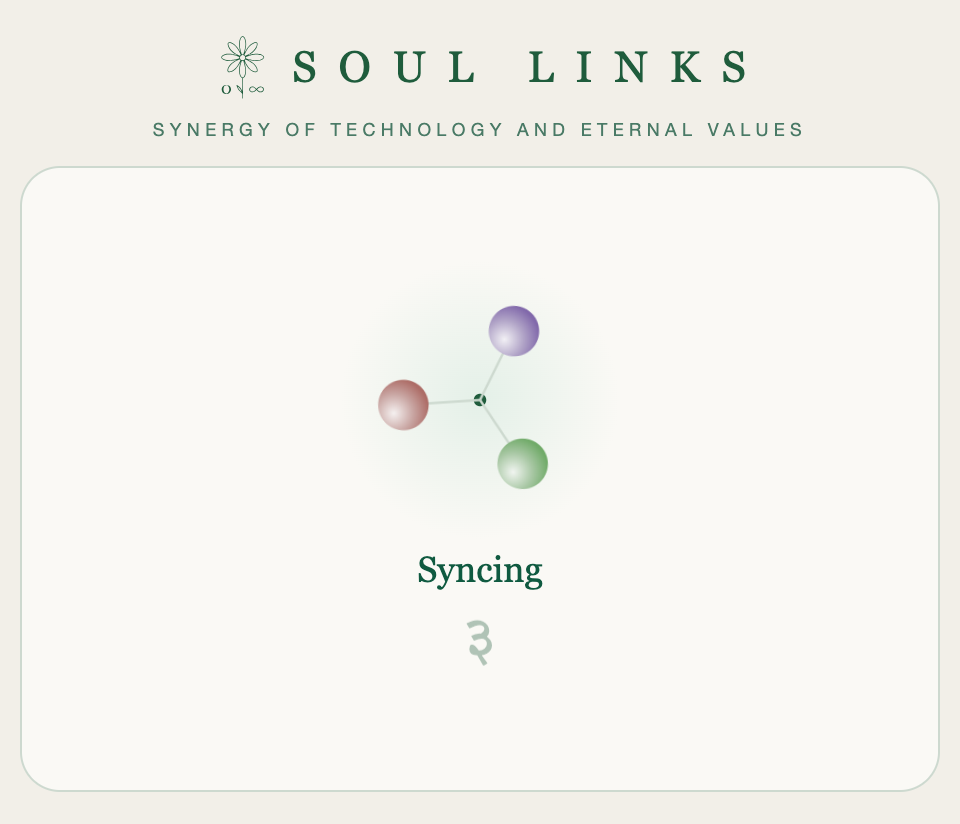
Sync
Soul Links looks for a suitable connection based on your states, needs and format.
The spheres take the colors of what you chose. After a successful sync, you enter a shared chat with your match.
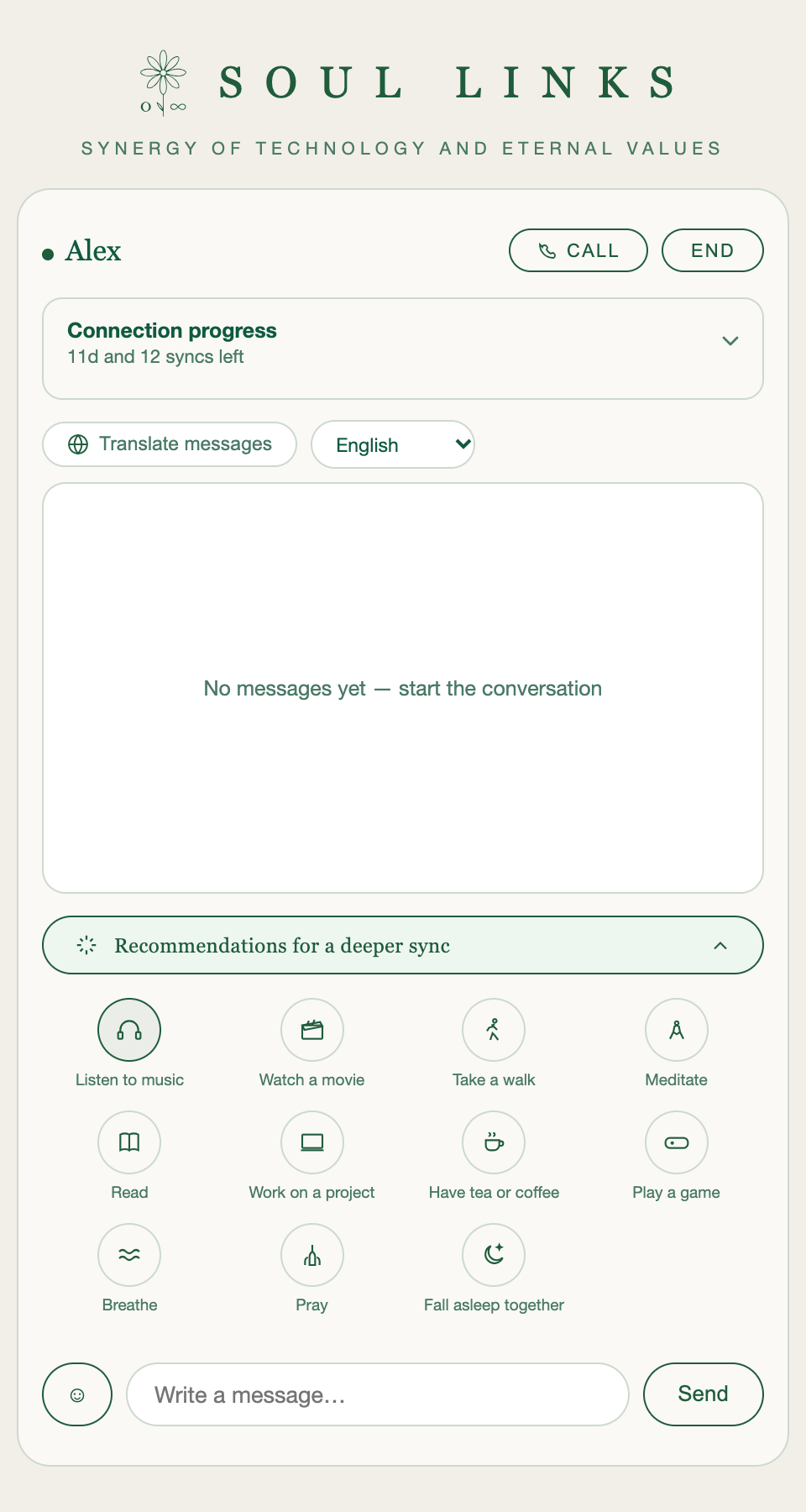
Conversation
In the chat you can communicate by text and by voice.
Soul Links also offers shared rituals that help deepen the interaction — for example, listening to the same piece of music at the same time.
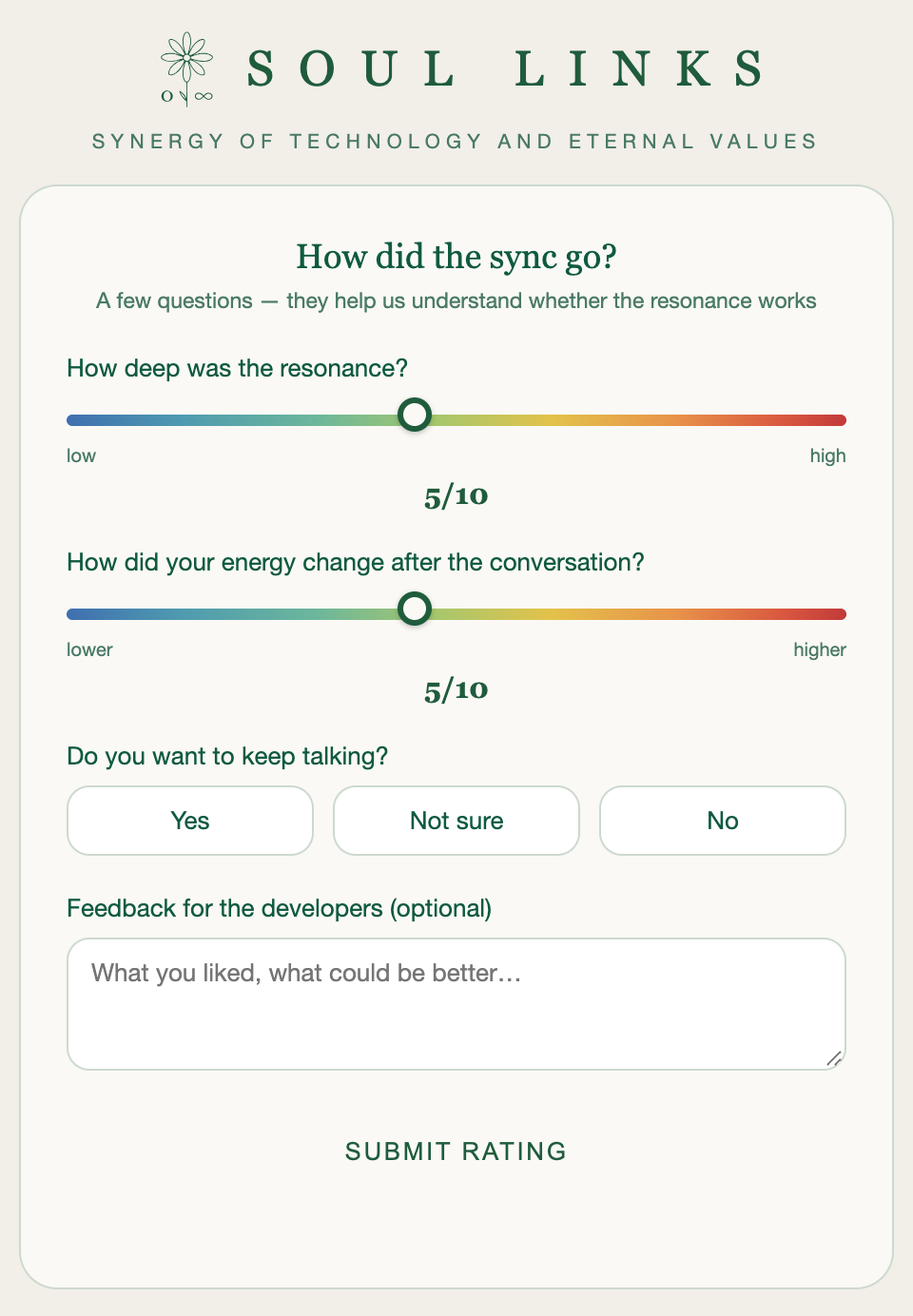
Rating the Sync
After the conversation, the platform will ask you to rate the sync:
- how strong the resonance was
- how your energy level has changed
- optionally, leave a message for the developers
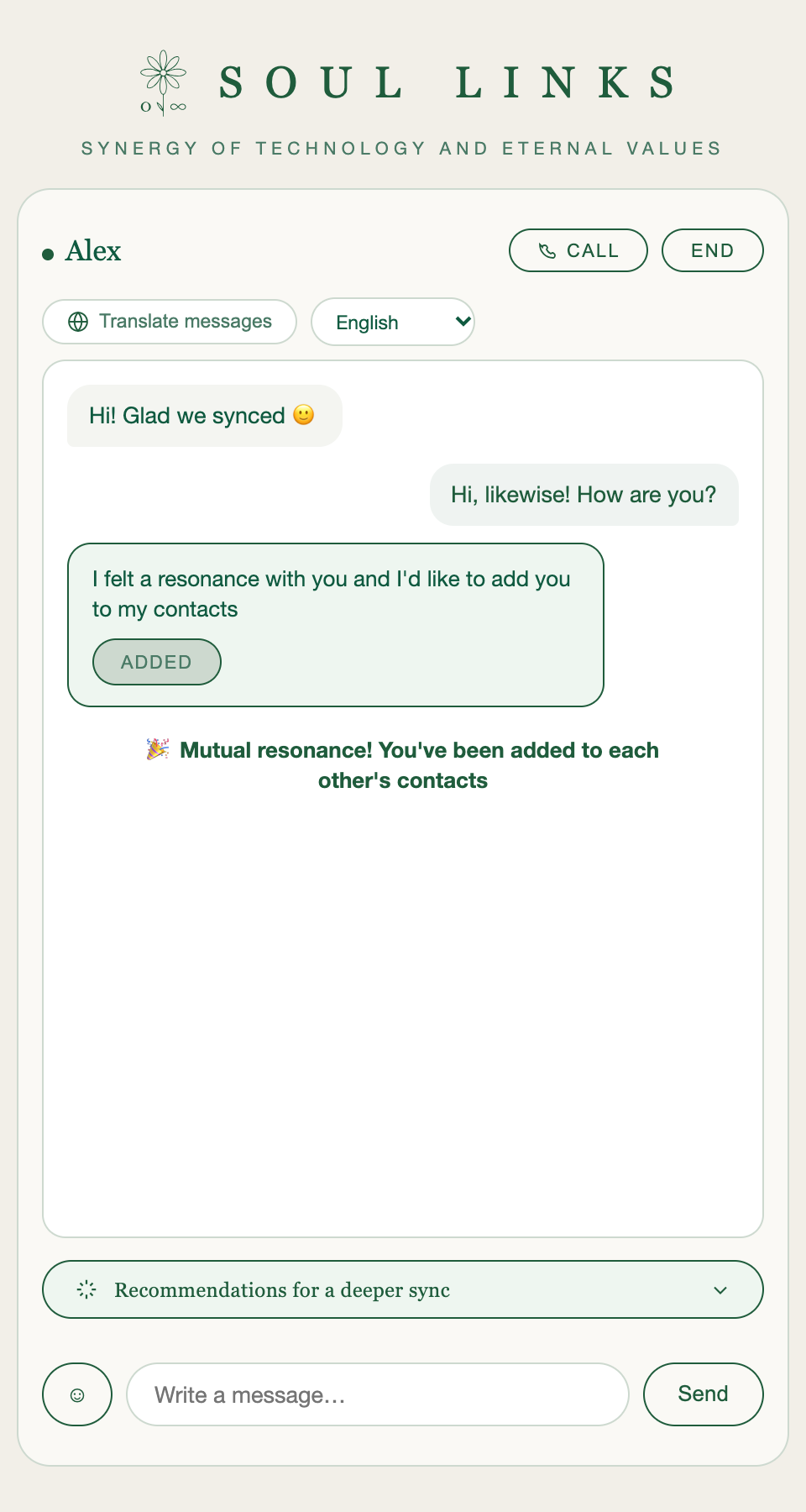
Mutual Resonance
If both participants want to continue, a mutual resonance is recorded between you.
After that, you appear in each other's contacts and can keep talking without having to search for a sync again.
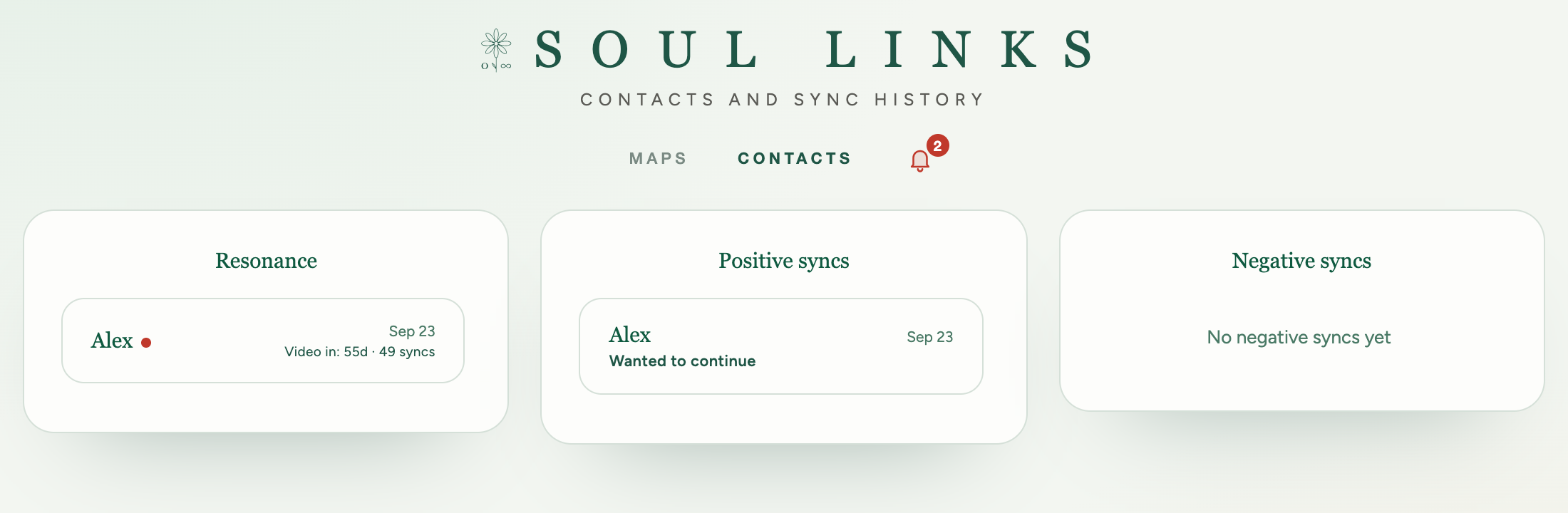
Your Connections
The Contacts section shows:
- contacts with mutual resonance
- positive syncs
- negative syncs
The bell next to Contacts turns red and plays a sound when a new message arrives. Click it to see who wrote to you.
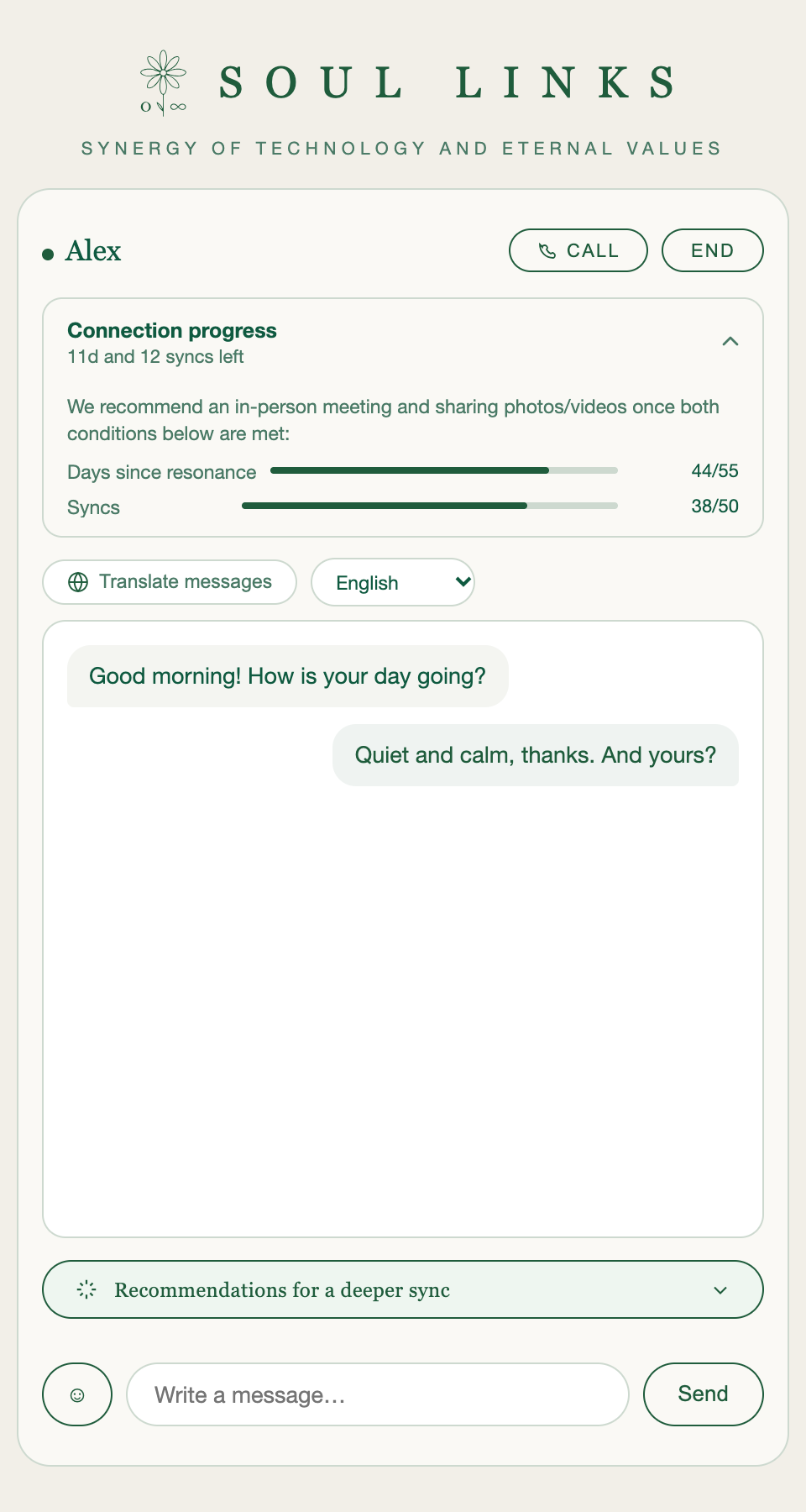
Developing the Connection
After mutual resonance, you can keep talking and run repeat syncs.
We recommend an in-person meeting and exchanging personal photos and videos once both conditions are met:
- 55 days have passed since the mutual resonance
- and you've completed 50 syncs with this contact
You can follow the progress in the "Connection progress" card at the top of the chat.